# Text
Type formatted text onto the page, choose a font and alignment, and wrap or resize boxes.
Platforms: Web, iPad, iPhone, Android
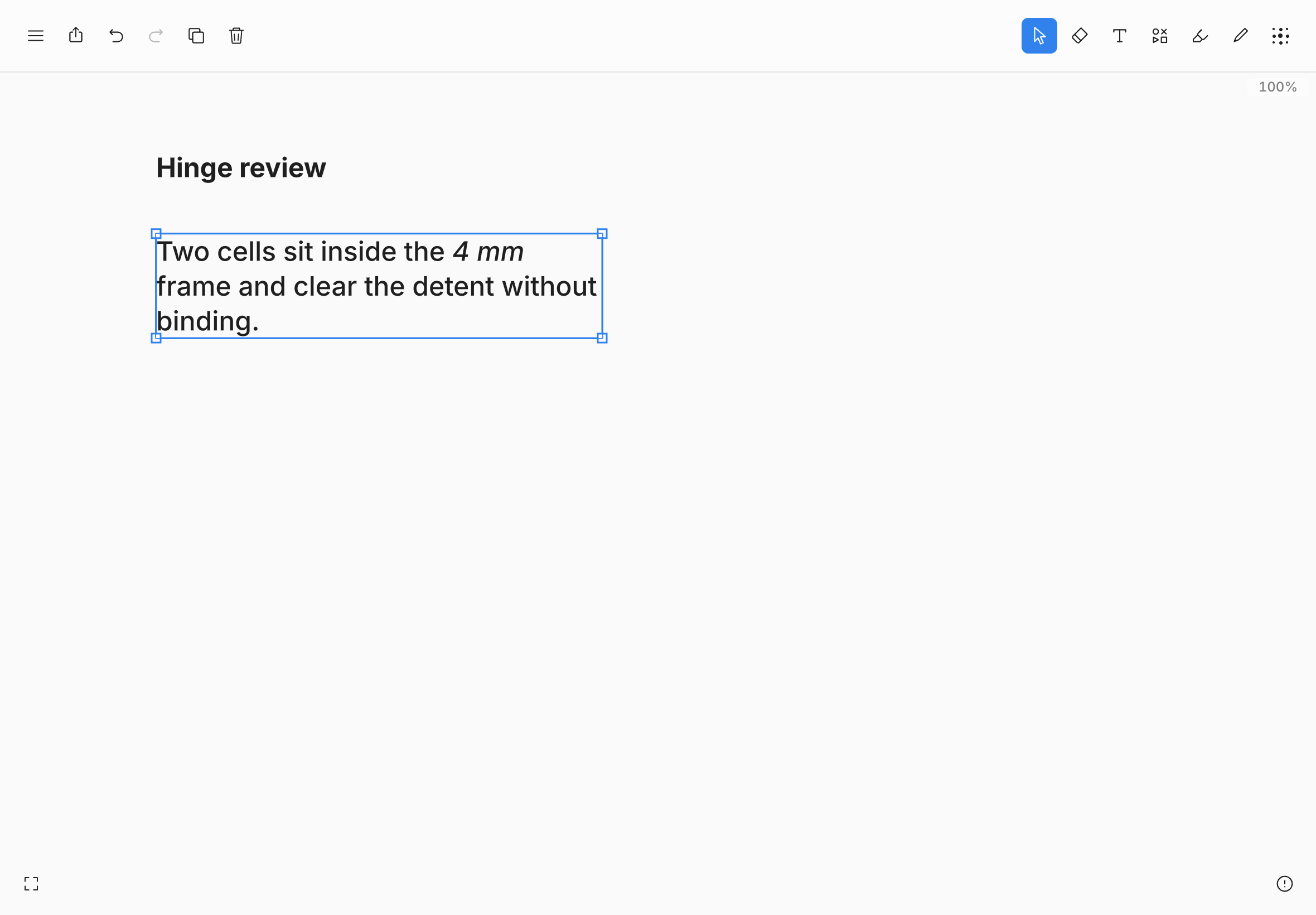
Choose **Text** in the toolbar, or press T, to type directly onto the canvas.
## Add text
- **Click or tap** on the canvas for a box that widens as you type.
- **Drag sideways** to draw a fixed-width box that wraps lines as you type.
Pressing on existing text with the **Text** tool starts a new box there. Press ↵ for a line break. To finish editing, click or tap outside the box on the canvas. On the web, iPad, and iPhone, Esc also finishes; on the web, ⌘↵ does too.
## Format text
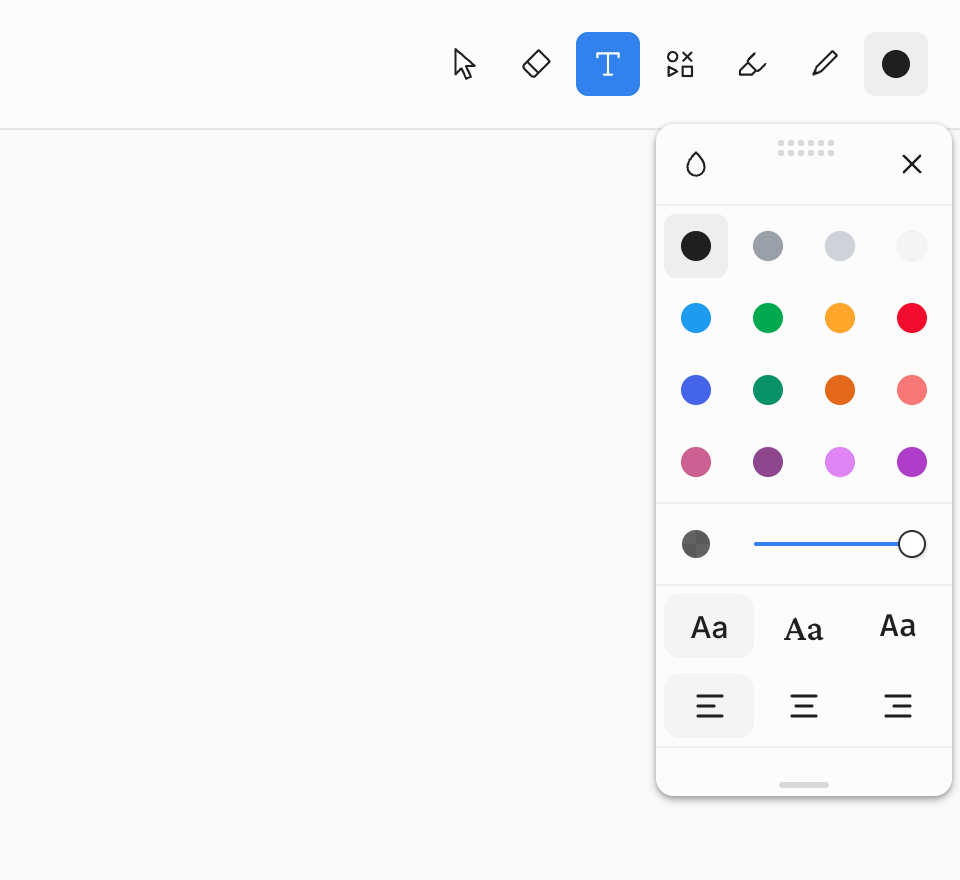
Open the style panel while editing text, with the **Text** tool selected, or with text selected to set its color, **Opacity**, font (**Sans**, **Serif**, or **Mono**), and alignment (**Align left**, **Align center**, or **Align right**).
| Platform | Bold, italic, underline, and strikethrough |
| --- | --- |
| Web | ⌘B, ⌘I, ⌘U, and ⌘⇧S. |
| iPad and iPhone | ⌘B, ⌘I, ⌘U, and ⌘⇧X with a hardware keyboard, or the text edit menu on screen. |
| Android | Choose **Bold**, **Italic**, **Underline**, or **Strikethrough** in the style panel while editing, or press CtrlB and CtrlI on a hardware keyboard. |
Text takes no stroke size, line style, or quick styles.
## Edit, resize, and erase
- **Edit again.** With **Select**, double-click or double-tap a text box. On Android, you can also select one text box and press ↵.
- **Scale.** Drag a corner, top, or bottom handle to resize the text proportionally.
- **Reflow.** Drag the left or right side handle to change the box's width and wrap lines without changing the text size.
- **Erase.** Touching a text box with **Erase** deletes the whole box in any eraser mode (**Partial**, **Object**, or **Mask**). One [undo](undo-and-redo.md) brings it back.
## Exporting text
PNG, PDF, SVG, printing, the export preview, and **Copy as › PNG** include text on every platform. An SVG draws text as outlines, so it looks the same wherever it is opened, and the words can't be selected or edited there.