Application
Preferences
Every setting in one place, from appearance to your account.
WebiPadiPhoneAndroid
Open Preferences… from the library or editor menu. Account… in the library menu opens the same window at the Account section. Changes apply straight away, including to the note you have open.
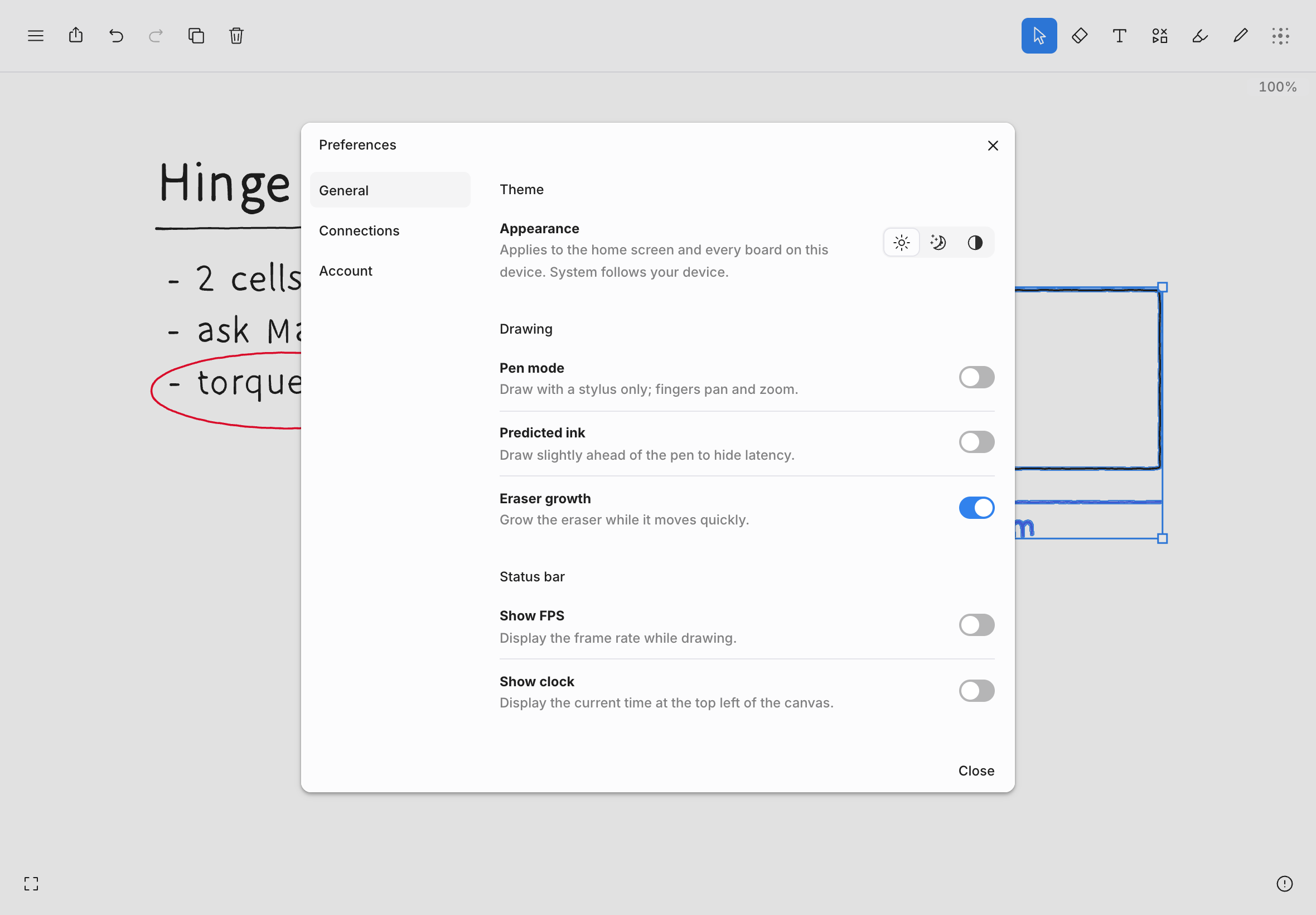
General
These settings belong to this device.
| Group | Setting | What it does |
|---|---|---|
| Theme | Appearance | Light, Dark, or System to follow your device. |
| Drawing | Pen mode | Draw with a stylus only; fingers pan and zoom. See Pen mode. |
| Predicted ink | Draws slightly ahead of the pen to hide latency. Off by default. | |
| Eraser growth | The eraser grows while you move it quickly. On by default. See Erasing. | |
| Status bar | Show FPS | Shows the frame rate beside the zoom readout while drawing. |
| Show clock | Shows the current time at the top left of the canvas. | |
| Performance | Performance mode | Trades visual detail for speed on large boards. |
| Privacy | Share usage analytics | Sends anonymous usage data to help improve tldraw notes. |
| General | Default home view | Whether the library opens as a grid or a list. |
| Calendar | Shows upcoming events beside your files. Not on iPhone. |
On iPad and iPhone, Pinch to zoom is also in the Drawing group. Everywhere, it's in the editor's View menu.
Connections
These belong to your account, so they follow you to every device.
- Google Calendar: Connect one or more Google accounts to see their events in the library. Read-only. Disconnect removes access at Google.
- AI assistants: the server address that lets an AI assistant such as Claude read and work with your notes, with a Copy button.
Account
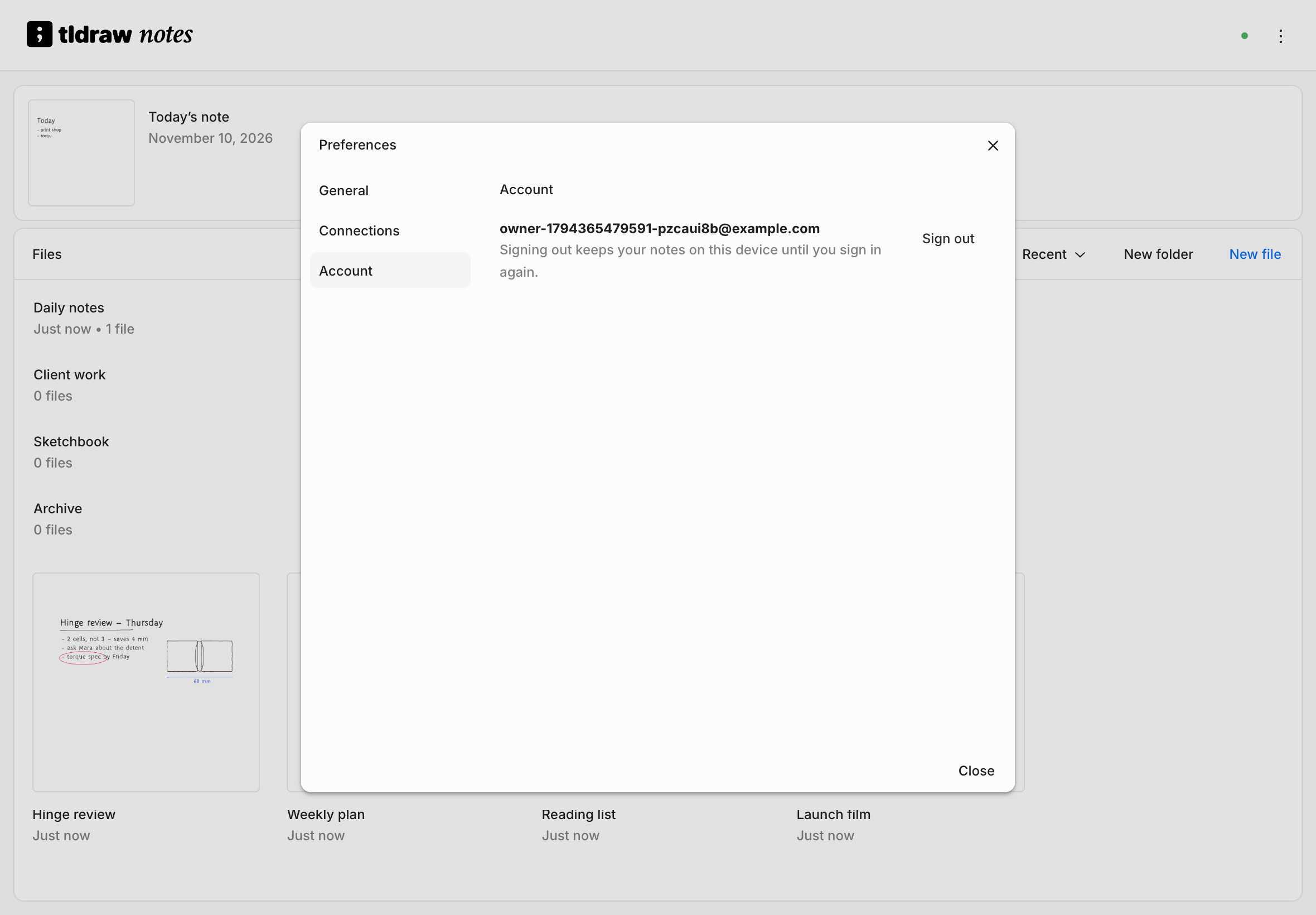
Shows the email you're signed in with and Sign out. Signing out keeps your notes on this device until you sign in again. See Signing in.
On iPad, iPhone, and Android, This device has two maintenance actions:
- Refresh local data clears caches and any copies the service can restore. Work that hasn't synced is kept.
- Remove all app data from this device shows what would be removed and offers Export data… before you confirm.