Application
Sync status
What Offline, Local, and Not saving mean, and why you usually see nothing.
WebiPadiPhoneAndroid
tldraw notes saves every stroke on your device first and syncs it in the background. When that's working, which is almost always, it shows nothing at all. A label appears at the top left of the canvas only when something is worth knowing.
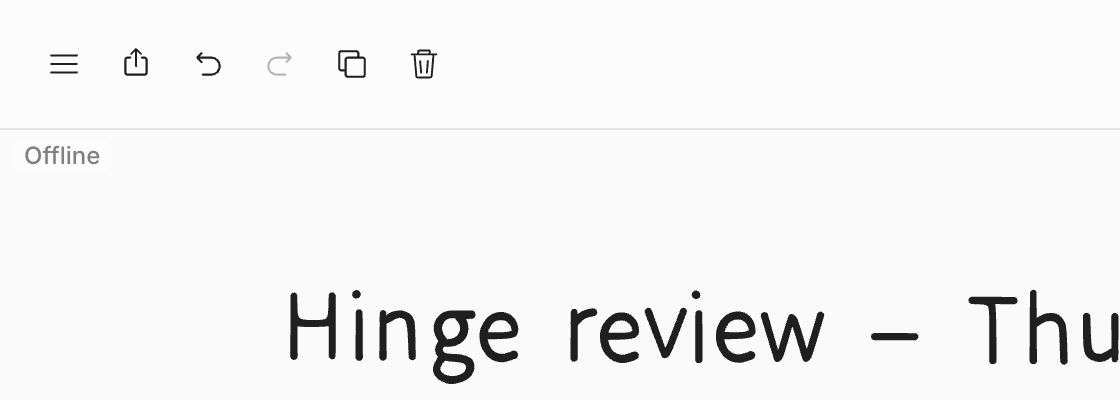
| Label | What it means | What to do |
|---|---|---|
| Offline | This device can't reach the service. Your changes are saved here and sync when the connection returns. | Keep working. The label disappears when you're back online. |
| Local | You're in Local, which never syncs. | Nothing. It's a reminder. |
| Not saving | This device can't save your changes. It appears in red and outranks the others. | Choose the label, then Export a copy to keep your work safe, or Retry. |
Choose any label for a one-line explanation.
Brief drops don't count: the editor waits a few seconds before it says Offline, so a flaky connection doesn't make the label flicker.
Other notices
Some situations have their own message instead of a label:
- Signed out — sign in to keep syncing when your session ends. You can keep drawing; see Signing in.
- Read only when you're a Viewer on a shared note, Archived · Read only for an archived note, and Update to edit when a note uses features from a newer version of tldraw notes.
- A notice when a shared note is full, when a note grows too big to sync, or when it was deleted or unshared while you had it open.
Several devices at once
Edit the same note on two devices and both sets of changes arrive. Each device ends up showing the same note. While someone else is in a shared note with you, you'll see their cursor and their strokes as they draw.