Getting started
Signing in
Create an account or sign in with Google or with email and a password.
WebiPadiPhoneAndroid
An account keeps your notes in sync across your devices and lets you share them. You can try tldraw notes without one in Local, but everything else starts here.
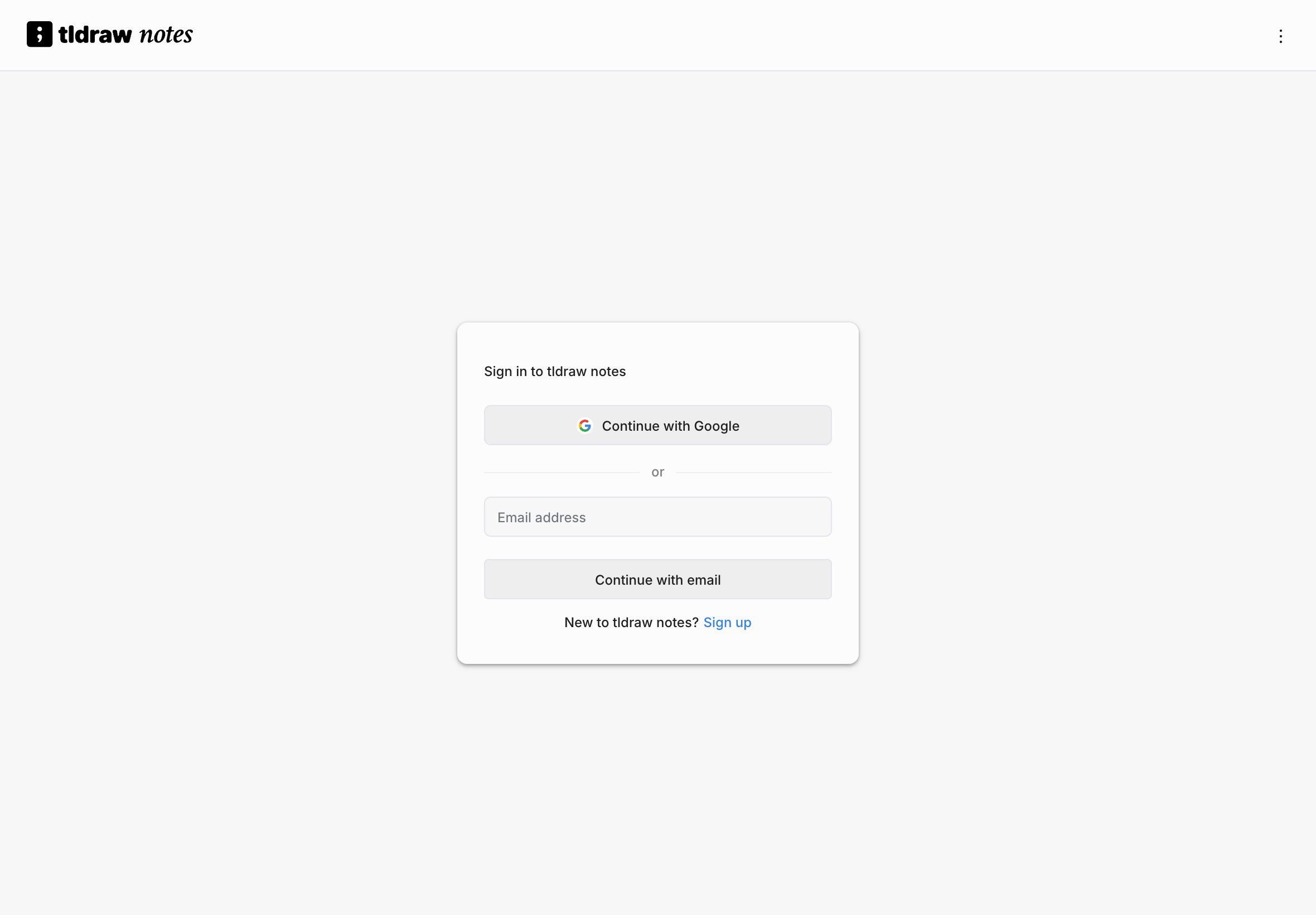
Sign in
- Open tldraw notes. Signed out, the library shows the sign-in card.
- Choose Continue with Google, or type your Email address and choose Continue with email.
- With email, enter your Password and choose Sign in.
New to tldraw notes? Choose Sign up on the sign-in card first, then Continue with email (on the web, Sign in switches back). Enter a password and choose Create account, then follow the link in the email we send you. On the web, Send the email again sends another if it doesn't arrive.
Forgot your password
On the web, choose Forgot password? on the password step, and we send a reset link to your address. The email links to a page where you set a new password, and you're signed in when you save it. On iPad, iPhone, and Android, choose Forgot password? on the password step; the emailed link opens the app, where you set a new password.
Signing out
Open Preferences › Account and choose Sign out.
- Signing out only affects this device. Your other devices stay signed in.
- If this device has changes that haven't synced yet, tldraw notes lists those notes first. They stay on the device and sync the next time you sign in here.
- Your notes stay on the device until you sign in again. Another account signing in on the same device never sees them.
If your session ends
If the service signs you out while you're writing, the editor shows Signed out — sign in to keep syncing. You can keep drawing. Your changes wait on the device and sync after you sign in again.