Using the canvas
Shapes
Draw clean rectangles, ellipses, stars, and more.
WebiPadiPhoneAndroid
Choose Shapes in the toolbar for a menu of shapes. Pick one, then drag on the canvas to draw it. The Shapes button then shows the shape you picked, so the next drag draws another.
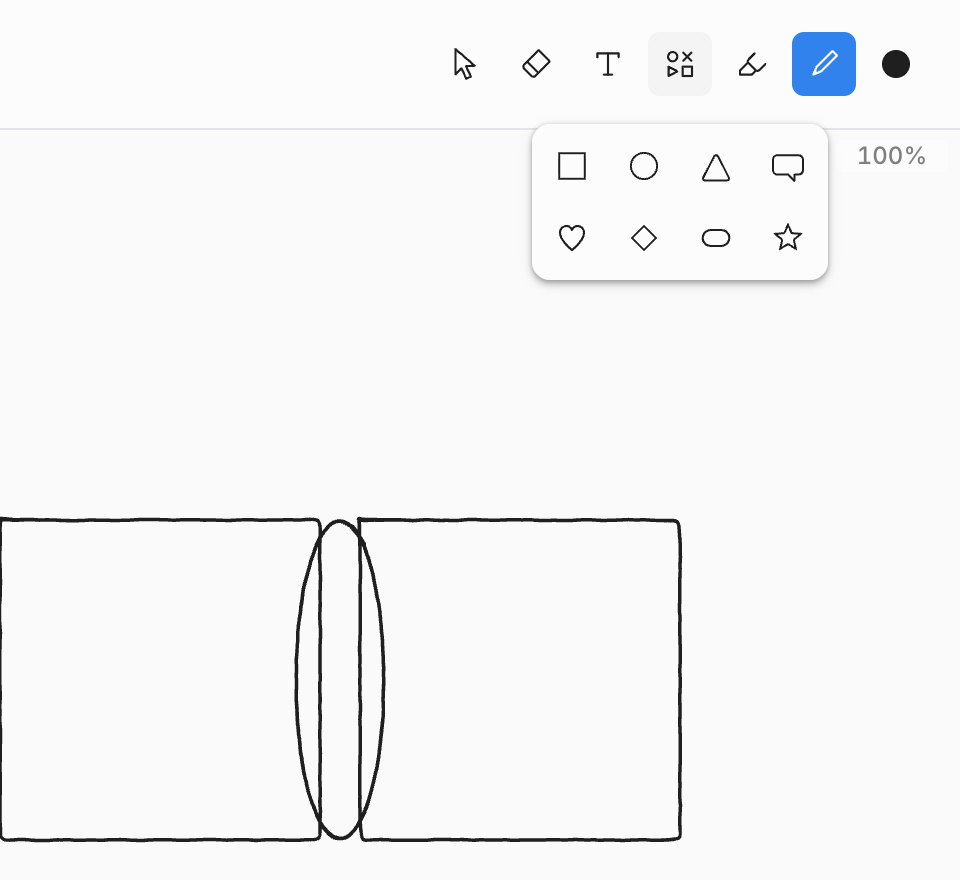
| Shape | Keyboard (web) |
|---|---|
| Rectangle | R |
| Ellipse | O |
| Triangle, Speech bubble, Heart, Diamond, Pill, Star |
Shapes use your current color, size, and line style, so a dashed box or a dotted circle is one setting away. Once drawn, a shape is ink like any other: select it, recolor it, erase part of it, or fill it with color.